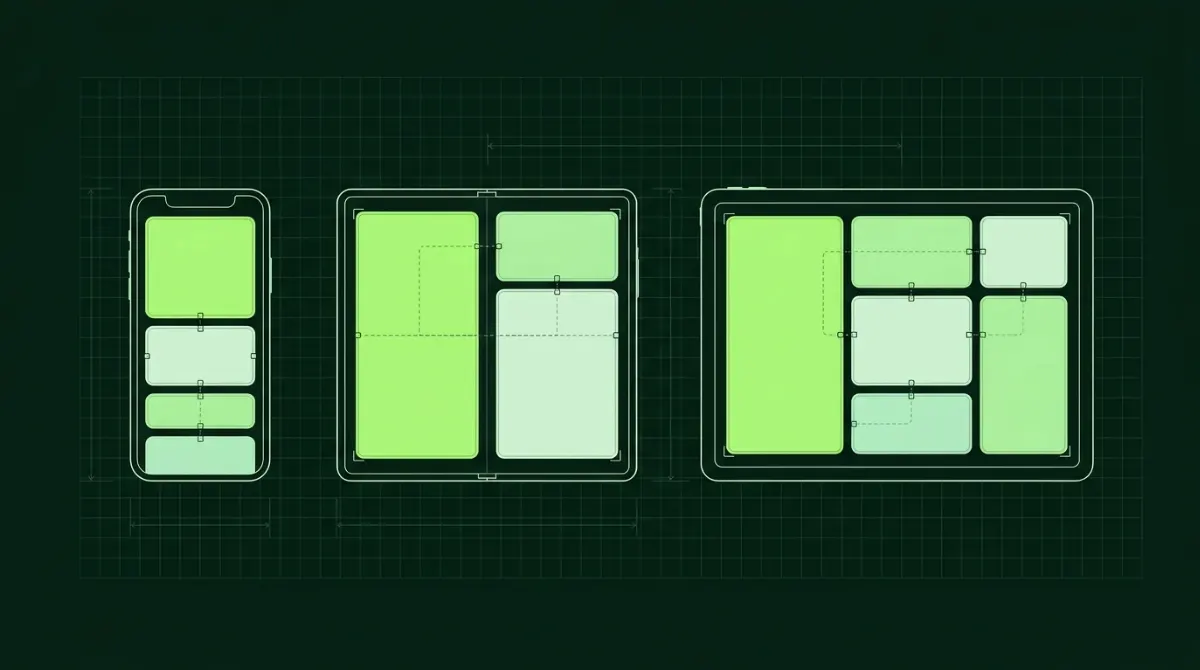
With Android 17, adaptive-first is no longer an optional polish item—it is a platform baseline. On large screens (tablets, unfolded foldables, and desktop windowing), the OS ignores legacy orientation locks and non-resizable manifest attributes, forcing apps to resize gracefully.
What Breaks When Apps Assume Portrait Phone Widths
- Stretched single-column feeds with 800dp-wide buttons and unreadable line lengths.
- Clipped dialogs or bottom sheets when the app enters split-screen or freeform desktop mode.
- Lost UI state on window resize when state lives in
Activityfields instead ofViewModelorrememberSaveable.
1. Read WindowAdaptiveInfo in Compose
Use androidx.compose.material3.adaptive to react to window size classes and posture changes without querying raw display metrics:
kotlin
dependencies {
    implementation("androidx.compose.material3.adaptive:adaptive:1.1.0")
    implementation("androidx.compose.material3.adaptive:adaptive-layout:1.1.0")
    implementation("androidx.compose.material3.adaptive:adaptive-navigation:1.1.0")
}
Then switch layout density cleanly based on windowSizeClass:
kotlin
@Composable
fun DashboardScreen(
    adaptiveInfo: WindowAdaptiveInfo = currentWindowAdaptiveInfo()
) {
    val isExpanded = adaptiveInfo.windowSizeClass
        .isWidthAtLeastBreakpoint(WindowSizeClass.WIDTH_DP_EXPANDED_LOWER_BOUND)

    if (isExpanded) {
        ExpandedTwoPaneDashboard()
    } else {
        CompactSingleColumnDashboard()
    }
}
2. Use ListDetailPaneScaffold for Master-Detail Flows
Instead of writing separate phone and tablet navigation graphs, ListDetailPaneScaffold shows one pane on compact screens and two side-by-side panes on medium/expanded windows automatically:
kotlin
@Composable
fun ArticlesAdaptiveScreen(
    articles: List<Article>,
    selectedId: String?,
    onSelect: (String) -> Unit
) {
    val navigator = rememberListDetailPaneScaffoldNavigator<String>()

    ListDetailPaneScaffold(
        directive = navigator.scaffoldDirective,
        value = navigator.scaffoldValue,
        listPane = {
            AnimatedPane {
                ArticleListPane(
                    articles = articles,
                    onArticleClick = { id ->
                        onSelect(id)
                        navigator.navigateTo(ListDetailPaneScaffoldRole.Detail, id)
                    }
                )
            }
        },
        detailPane = {
            AnimatedPane {
                ArticleDetailPane(articleId = navigator.currentDestination?.contentKey ?: selectedId)
            }
        }
    )
}
3. Quick Audit Checklist Before Targeting Android 17
- Remove
android:screenOrientationandandroid:resizeableActivity="false"assumptions from your layouts. - Constrain readable text columns to a max width (e.g.,
widthIn(max = 680.dp)). - Test your app in freeform desktop windowing and split-screen in the Android 17 emulator to catch clipped modals and keyboard overlap.