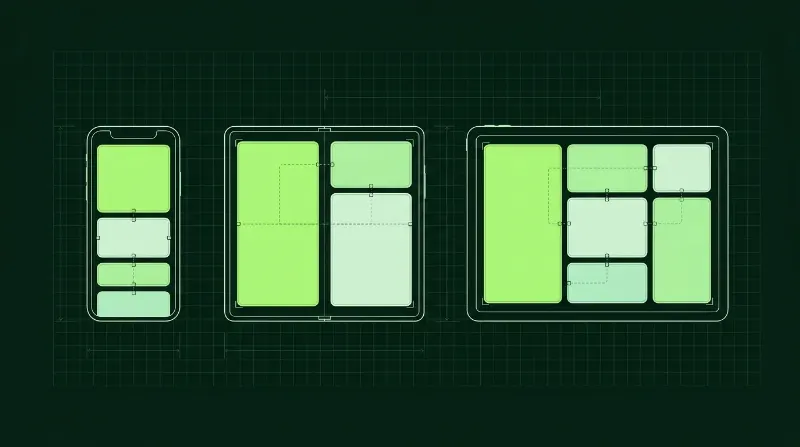

Google has made Jetpack Compose First the official direction for Android UI. Legacy android.widget Views, Fragments, RecyclerView, and the XML layout editor are now in maintenance mode—receiving critical fixes without new features.
If your codebase still has XML screens or complex RecyclerView adapters, you do not need a risky big-bang rewrite. Here is a proven, incremental migration path.
Step 1: Start Inside Existing Fragments with ComposeView
Instead of converting an entire flow at once, replace the body of a Fragment with ComposeView while keeping your existing navigation and ViewModel intact.
class ProfileFragment : Fragment() {
    private val viewModel: ProfileViewModel by viewModels()

    override fun onCreateView(
        inflater: LayoutInflater,
        container: ViewGroup?,
        savedInstanceState: Bundle?
    ): View = ComposeView(requireContext()).apply {
        setViewCompositionStrategy(
            ViewCompositionStrategy.DisposeOnViewTreeLifecycleDestroyed
        )
        setContent {
            AppTheme {
                val uiState by viewModel.uiState.collectAsStateWithLifecycle()
                ProfileScreen(
                    state = uiState,
                    onEditClick = { viewModel.onEditProfile() }
                )
            }
        }
    }
}
Always set DisposeOnViewTreeLifecycleDestroyed in Fragments so the composition disposes cleanly when the Fragment's view is destroyed on the back stack.
Step 2: Replace RecyclerView with LazyColumn
A typical RecyclerView requires an Adapter, ViewHolder, DiffUtil.ItemCallback, and multiple XML item files. In Compose, LazyColumn handles diffing via stable key lambdas in a fraction of the code:
@Composable
fun ArticleFeed(
    articles: List<ArticleUiModel>,
    onArticleClick: (String) -> Unit,
    modifier: Modifier = Modifier
) {
    LazyColumn(
        modifier = modifier.fillMaxSize(),
        contentPadding = PaddingValues(16.dp),
        verticalArrangement = Arrangement.spacedBy(12.dp)
    ) {
        items(
            items = articles,
            key = { it.id },
            contentType = { it.type }
        ) { article ->
            ArticleCard(
                article = article,
                onClick = { onArticleClick(article.id) }
            )
        }
    }
}
Passing both key and contentType ensures smooth scrolling performance and efficient item reuse—even for heterogeneous feeds.
Step 3: Bridge Custom Views Only When Needed
For specialized legacy views (like a custom chart or map view), wrap them with AndroidView rather than blocking your migration:
@Composable
fun LegacyMapContainer(
    lat: Double,
    lng: Double,
    modifier: Modifier = Modifier
) {
    AndroidView(
        modifier = modifier,
        factory = { context -> CustomMapView(context) },
        update = { mapView -> mapView.centerOn(lat, lng) }
    )
}
Migration Order That Works Best
- New features: Build 100% in Compose from day one.
- Leaf screens & dialogs: Convert settings, detail pages, and bottom sheets first.
- List-heavy screens: Replace
RecyclerViewscreens to immediately cut boilerplate. - Navigation shell: Once most screens are Compose, move from Fragment transactions to Navigation 3 or Compose Navigation.